Movies & TV / Firefly
Firefly Episode Order: All 14 Episodes, Then Serenity
Follow all 14 Firefly episodes in DVD order, then watch Serenity (2005). Identify the right pilot, fix broadcast-order lists and check split episodes.
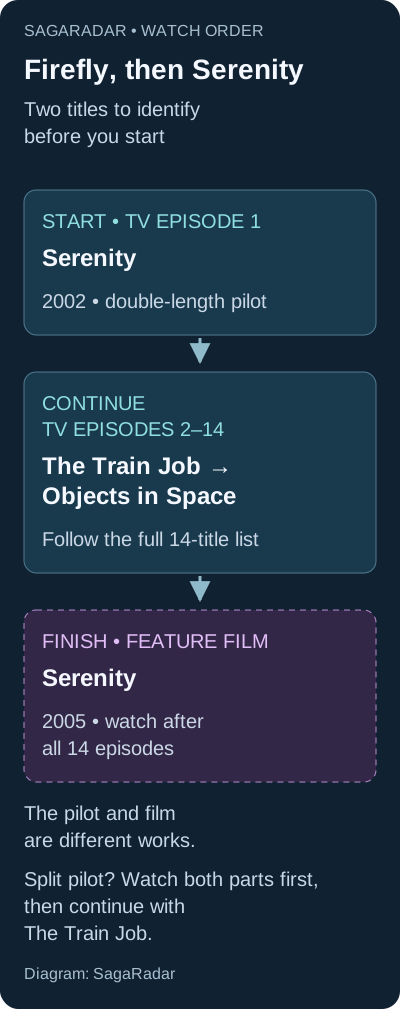
Watch Firefly’s 14 episodes in DVD order, starting with the “Serenity” TV pilot. After “Objects in Space,” watch the separate movie Serenity (2005). If your player starts with “The Train Job,” select the episodes by title using the list below.
The two things called Serenity are easy to mix up. For the complete screen story, put the TV pilot at the beginning and the 2005 feature film at the end.
Firefly episode order: the complete season
Use these titles as your checklist. The sequence matches the DVD order and the numbered episodes in the Disney+ UK catalogue. The table counts the double-length pilot as one episode.
| Watch position | Episode |
|---|---|
| 1 | Serenity — the TV pilot; both parts if split |
| 2 | The Train Job |
| 3 | Bushwhacked |
| 4 | Shindig |
| 5 | Safe |
| 6 | Our Mrs. Reynolds |
| 7 | Jaynestown |
| 8 | Out of Gas |
| 9 | Ariel |
| 10 | War Stories |
| 11 | Trash |
| 12 | The Message |
| 13 | Heart of Gold |
| 14 | Objects in Space |
Next: Serenity (2005). “Trash,” “The Message” and “Heart of Gold” are full season episodes, not bonus shorts to leave until after the movie.
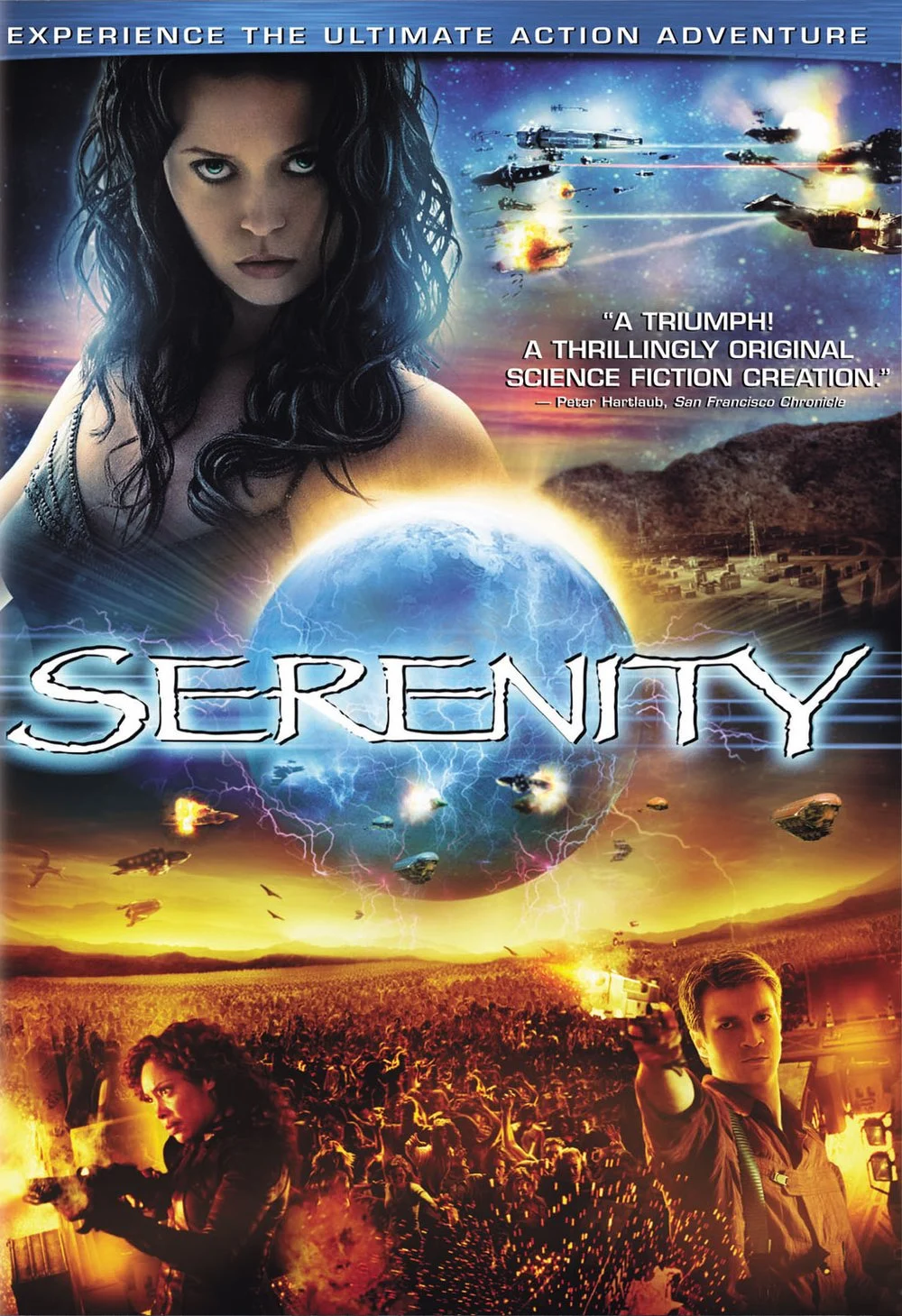
Which Serenity should you start with?
| Title in your library | What it is | When to watch |
|---|---|---|
| “Serenity” inside Firefly Season 1 | The 2002 double-length television pilot | First, before “The Train Job” |
| Serenity (2005) | The feature film with Nathan Fillion and the Firefly cast | After “Objects in Space” |
Use the series label and the year, rather than the title alone. Universal’s Serenity listing identifies the 2005 film. The unrelated movie named Serenity from 2019 is not part of this route.
Why not use Firefly’s original broadcast order?
The original US broadcast began with “The Train Job,” not the pilot. A library sorted by those air dates can therefore introduce the crew out of sequence. For a newcomer, the DVD route is easier to follow: the pilot establishes who is aboard the ship and how they came together before the later jobs begin.
You do not need to memorize a second episode list. Check three points in your player: “Serenity” should be first, “Shindig” and “Safe” should be fourth and fifth, and “Objects in Space” should finish the season. If the list differs, play by title rather than trusting autoplay.
Already watched “The Train Job” first? Go back to the pilot, then continue with “Bushwhacked.” There is no need to watch “The Train Job” twice just to repair the sequence.
Why does my edition show 15 episodes?
Some editions divide the long pilot into Part 1 and Part 2. That produces 15 video items from the same 14 episode titles. Watch both pilot parts before “The Train Job”; every later episode keeps its relative place.
If you suspect an episode is missing, compare the titles with the table. A different item count alone does not mean there is an extra story—or that your copy is incomplete.
Can you watch the movie without the series?
Yes. If you only want a film for the evening, you can watch Serenity (2005) on its own. Watching the season first gives the crew’s relationships more weight, though, so that is the better choice if you intend to see both.
If you have already seen the film, start the series at the pilot and treat it as the crew’s earlier adventures. Keep in mind that you will recognize things the show originally introduced gradually.
What else do you need?
For the original live-action screen story, the season and 2005 film are enough. Comics, novels, documentaries and the R. Tam Sessions promotional shorts are optional additions, not prerequisites.
When choosing a streaming service or disc set, check the season and movie separately. “The Complete Series” may include all television episodes without the film. Availability also varies by country; the UK catalogue used for the episode check is not a promise of access elsewhere.
What do you think?
0 Responses
Choose a reaction. Tap it again to undo.
Keep reading